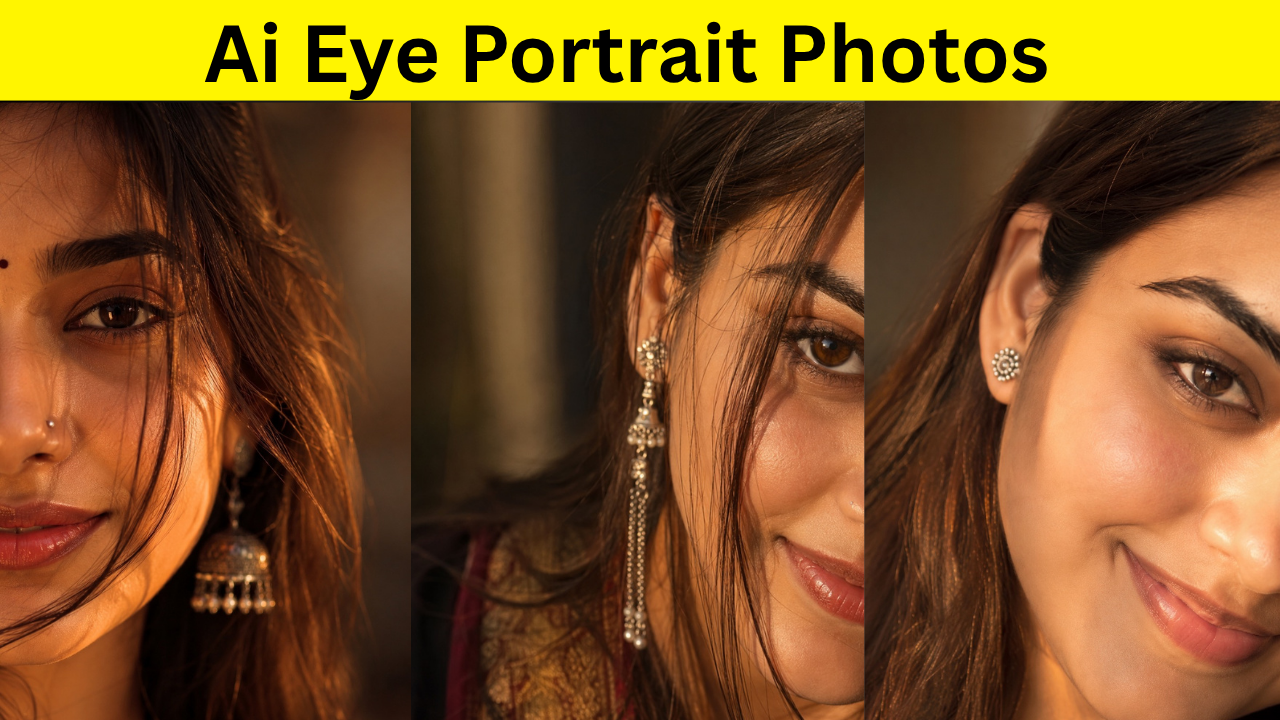
Artificial Intelligence has completely changed the way we create digital images. What once required an expensive DSLR camera, professional lighting, and advanced photo editing software can now be achieved in just a few minutes using ChatGPT’s image generation capabilities.
If you have a clear portrait or selfie, you can transform it into a stunning cinematic portrait with realistic lighting, sharp facial details, professional color grading, and a beautiful blurred background. The quality of AI-generated portraits has improved dramatically, making them perfect for social media profiles, personal branding, portfolios, websites, and creative projects.
In this guide, you’ll learn what AI portraits are, why cinematic portraits have become so popular, and how to generate your own professional-looking portrait using ChatGPT.
What Is an AI Portrait?
An AI portrait is a digital image created or enhanced using artificial intelligence. Instead of simply applying filters, AI understands the subject, facial features, lighting, composition, and photography style to generate a completely new image based on your uploaded photo and written instructions.
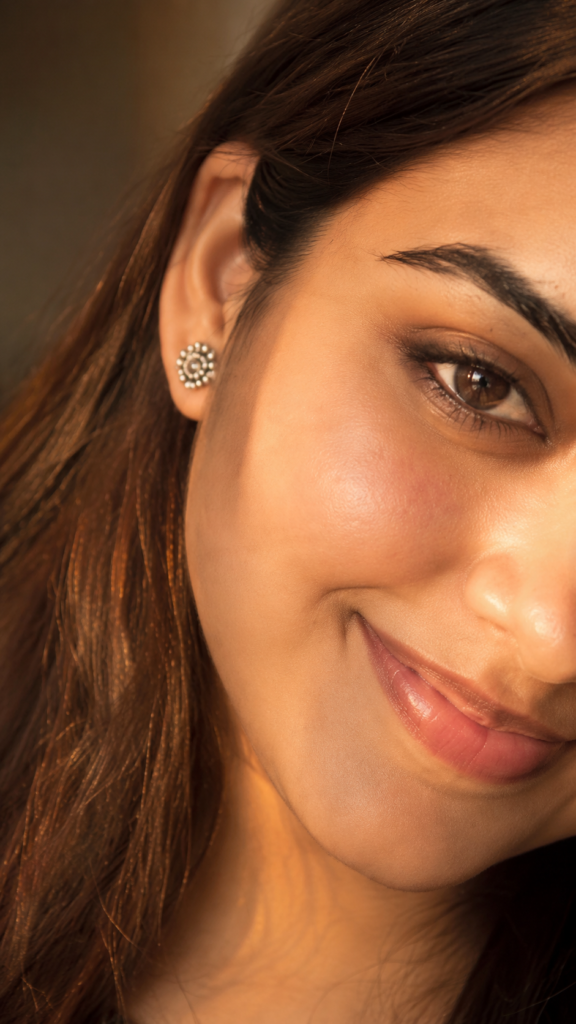
Modern AI models can recreate realistic skin textures, detailed hair strands, natural facial expressions, cinematic lighting, depth of field, and DSLR-like camera effects that closely resemble professional photography.
This technology is now widely used by photographers, designers, content creators, influencers, businesses, and social media users around the world.
Why Are Cinematic Portraits So Popular?
Cinematic portraits have become extremely popular because they look elegant, premium, and highly professional. Unlike ordinary smartphone photos, cinematic portraits create a dramatic visual impact that instantly attracts attention.
These portraits typically include:
- Warm golden-hour lighting
- Beautiful background blur (bokeh)
- Sharp eye focus
- Natural skin details
- Soft cinematic shadows
- Professional color grading
- Realistic facial textures
- Premium DSLR photography style
The result is a portrait that looks like it was captured during a professional photoshoot rather than generated by AI.
What Do You Need to Generate an AI Portrait?
Creating a high-quality AI portrait is surprisingly simple. You only need three things:
- A clear, high-resolution portrait photo
- A well-written AI image prompt
- ChatGPT with image generation capabilities
The better your original image, the more realistic and detailed the final AI portrait will be.
Choosing the Right Photo
Although AI is incredibly powerful, the quality of the original image still matters.
For the best results, your uploaded photo should have:
- A clear view of your face
- Good lighting
- High resolution
- Minimal blur
- Natural facial expression
- Visible facial features
- Little or no obstruction over the face
Natural daylight photos generally produce the most realistic AI-generated portraits.
How to Generate a Cinematic Portrait with ChatGPT
Generating an AI portrait with ChatGPT is a straightforward process that takes only a few minutes.
Step 1: Open ChatGPT
Launch ChatGPT and make sure you’re using a version that supports AI image generation.
Step 2: Upload Your Photo
Upload the portrait or selfie you want to transform.
Choose a high-quality image where your face is clearly visible.
Step 3: Paste the Image Prompt
Copy and paste the image prompt provided separately below this article.
A detailed prompt gives the AI better instructions about lighting, camera settings, mood, composition, and photography style, resulting in significantly better images.
Step 4: Generate the Image
Submit the prompt and wait while ChatGPT creates your cinematic portrait.
The generation usually takes only a few moments.
If the first result isn’t exactly what you’re looking for, simply generate another version or slightly modify the prompt. Small changes often produce noticeably different results.
Tips for Better AI Portraits
To achieve the most realistic output possible, keep these best practices in mind:
- Use the highest-quality photo available.
- Make sure your face is clearly visible.
- Avoid blurry or low-resolution images.
- Use detailed prompts instead of short descriptions.
- Experiment with different portrait photos.
- Try generating multiple versions.
- Portrait-oriented photos usually produce better results than landscape images.
These small improvements can make a significant difference in the final quality.
Why Is the Prompt So Important?
The prompt is one of the most important parts of AI image generation.
AI doesn’t guess what you want—it follows your written instructions. A simple prompt may produce an average-looking image, while a detailed prompt helps the AI understand every aspect of the desired portrait.
A good prompt typically describes lighting, camera angle, lens type, depth of field, facial details, mood, background, color grading, photography style, and overall atmosphere.
The more specific your instructions, the more professional and realistic the generated image is likely to be.
Where Can You Use AI Portraits?
AI-generated cinematic portraits are suitable for a wide range of purposes, including:
- Instagram profile pictures
- Facebook profile photos
- LinkedIn profile images
- YouTube channel branding
- Personal websites
- Professional portfolios
- Resume photos
- Freelancing platforms
- Business branding
- Marketing materials
- Creative projects
- Digital posters
- YouTube thumbnails
Whether you’re a content creator, entrepreneur, designer, or student, AI portraits can help you build a stronger personal brand.
Does AI Keep Your Face Looking Natural?
Yes. When you upload your own photo, ChatGPT uses it as a visual reference while generating the final image.
If your original photo is clear and the prompt is well-written, the generated portrait will closely resemble your appearance while enhancing lighting, composition, and overall image quality.
Keep in mind that each generation is unique, so slight variations are completely normal.
The Future of AI Photography
AI-powered photography is evolving at an incredible pace. Today, users can create studio-quality portraits, fashion photography, editorial images, professional headshots, and artistic visuals without expensive equipment or years of editing experience.
As AI technology continues to improve, generating realistic, high-resolution images will become even faster and more accessible.
For creators, influencers, marketers, bloggers, freelancers, and businesses, learning how to use AI image generation is becoming an increasingly valuable skill.
Final Thoughts
Creating cinematic AI portraits with ChatGPT has never been easier. All you need is a high-quality photo, a detailed image prompt, and ChatGPT’s image generation feature.
Simply upload your photo, paste the prompt separately, and let ChatGPT generate a stunning cinematic portrait in seconds.
If you’re new to AI image generation, don’t hesitate to experiment with different photos and prompts. Each attempt helps you discover new styles and achieve even more impressive results. With the right combination of a clear image and a well-crafted prompt, you can create portraits that look like they were captured with a professional DSLR camera during a premium editorial photoshoot.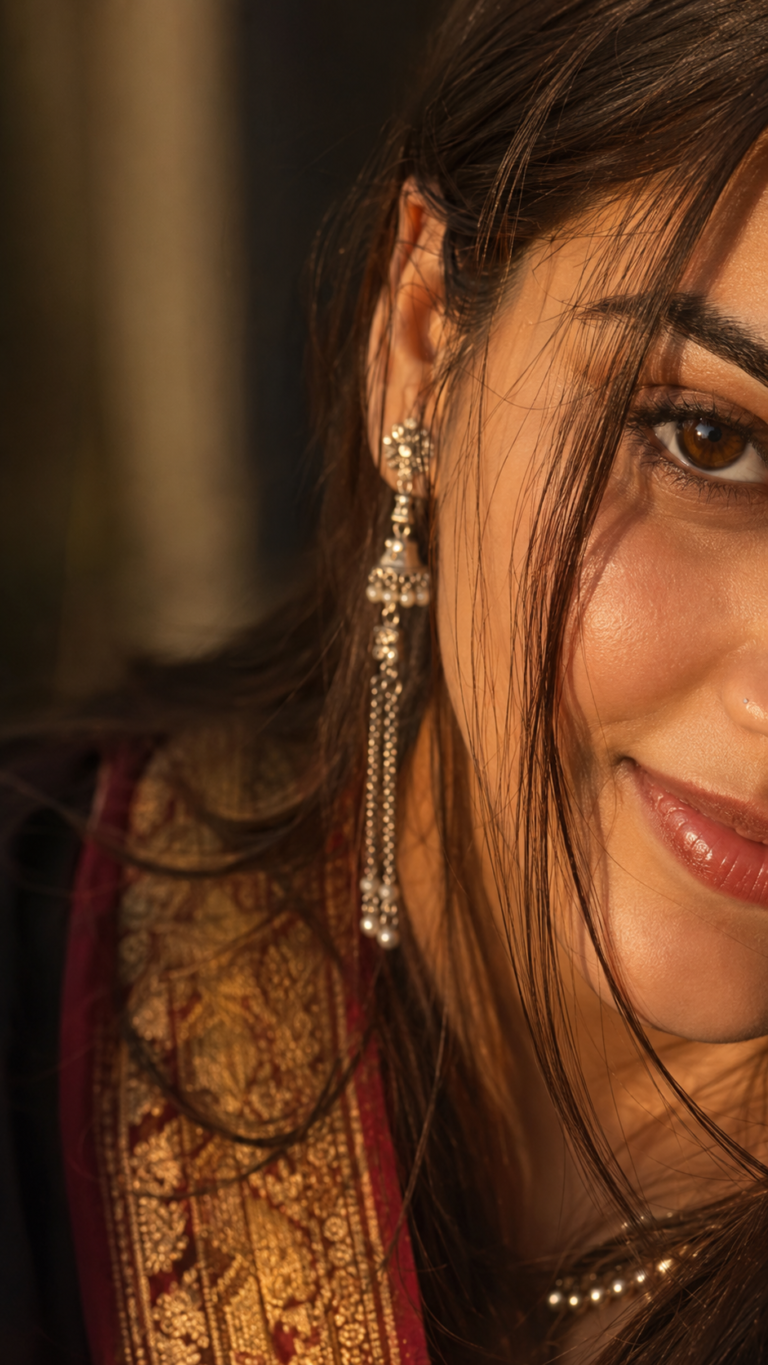
Discover more from viraldost.com
Subscribe to get the latest posts sent to your email.