Looking for a free AI image generator but confused by the number of tools available today? You don’t need Photoshop skills or professional design experience anymore. With the right AI tool, you can describe an idea in simple words and turn it into a high-quality image within minutes.
The challenge is choosing the right tool. Some are better for beginners, some are excellent at generating text inside images, while others give you more creative control or are designed for cinematic projects.
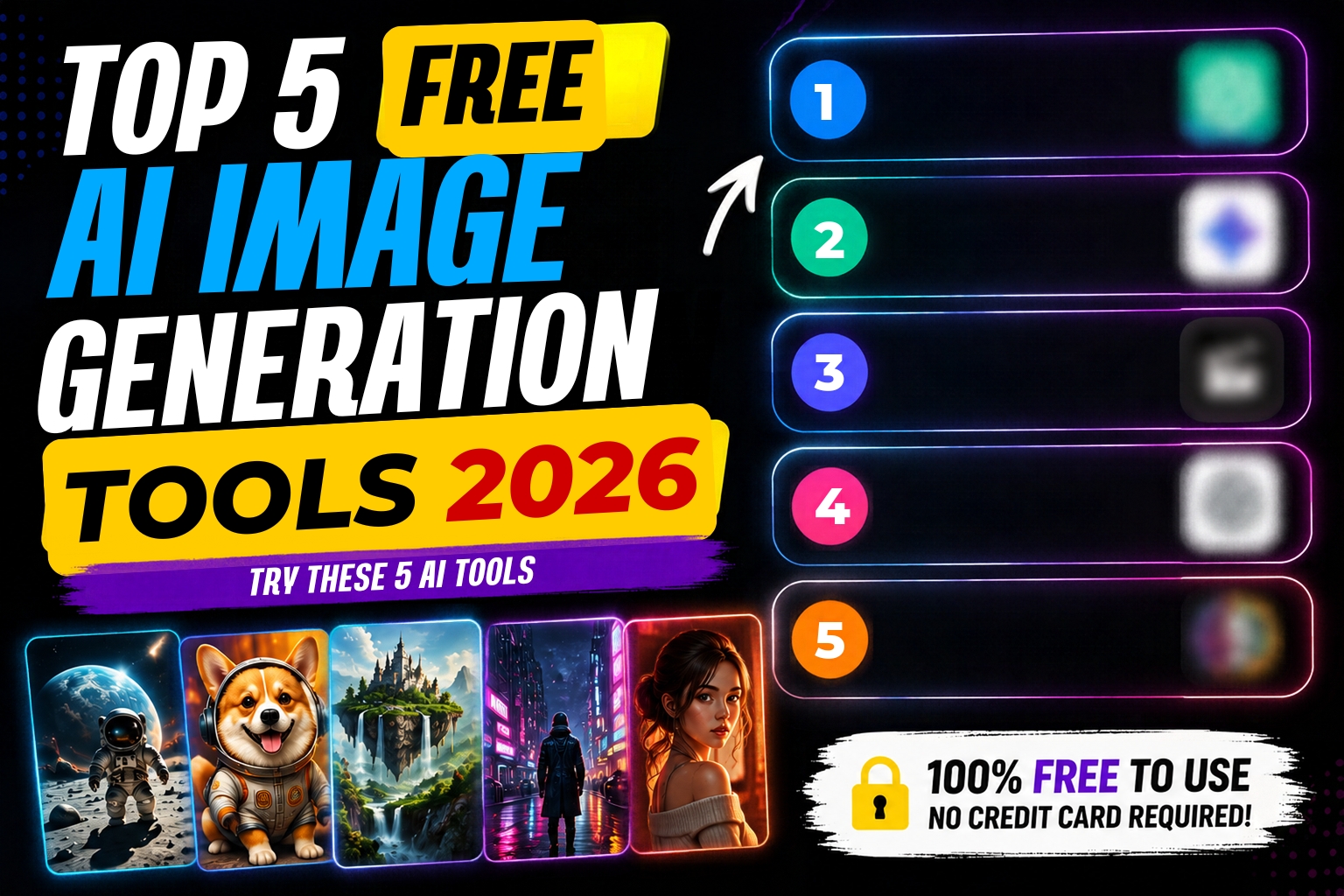
In this guide, we’ll look at five popular AI image generation tools you can try for free in 2026, what each one is best at, and which tool you should choose based on your needs.
Quick Take: ChatGPT is a great all-rounder and beginner-friendly option, Ideogram is particularly strong when text needs to appear inside an image, Google Flow is better suited to cinematic and storytelling workflows, and Leonardo AI offers more creative control.
Main Topic: Quick Comparison of the Best AI Image Generators
| Tool | Best For | Ease of Use | Main Strength |
|---|---|---|---|
| ChatGPT | Beginners & everyday images | ⭐⭐⭐⭐⭐ | Natural-language prompting |
| Google Gemini | Quick image creation | ⭐⭐⭐⭐⭐ | Simple workflow |
| Google Flow | Cinematic & storytelling work | ⭐⭐⭐⭐ | Visual storytelling |
| Ideogram | Text inside images | ⭐⭐⭐⭐ | Accurate typography |
| Leonardo AI | Artists & designers | ⭐⭐⭐⭐ | Creative control |
Free access, credits, and features can change over time, so check each platform’s current terms before using it for commercial work.
Important Details: A Closer Look at Each Tool
1. ChatGPT
ChatGPT is no longer just a chatbot — it also supports AI image creation, letting you describe the image you want using normal conversational language. One of its biggest advantages is how well it understands detailed instructions. You can describe a scene, specify a style, change individual elements, or upload an existing image and ask for edits.
Best for: Beginners, social media graphics, illustrations, concept images, image editing, everyday visual content.
What we like: The conversational workflow. If the first result isn’t right, you simply explain what needs to change instead of starting from scratch.
One limitation: The free version has usage limits, so frequent users may need more access.
Verdict: Best overall option for beginners and everyday users.
2. Google Gemini
Google Gemini is another easy option for AI image generation. If you’re already using Google’s ecosystem, the familiar interface makes it a convenient choice. Gemini is particularly useful when you want to quickly turn an idea into an image without dealing with complicated settings, and it understands conversational context well.
Best for: Beginners, quick image creation, everyday visuals, users already in the Google ecosystem.
What we like: It’s straightforward — explain what you want in natural language rather than learning a complex workflow.
One limitation: Availability of image-generation features and usage limits can vary by account, plan, and region.
Verdict: A strong alternative to ChatGPT for simple, everyday image creation.
3. Google Flow
Google Flow is a more specialised creative tool aimed at people working on visual storytelling and cinematic content. Rather than a basic image generator, it’s better suited to projects where images and video need to work together — scenes, visual concepts, storyboards, and cinematic sequences.
Best for: Cinematic content, storytelling, filmmaking concepts, visual scenes, AI video workflows.
What we like: Flow is designed around storytelling rather than a single standalone image, which makes it more interesting for larger creative projects.
One limitation: Not the best starting point if you just want a quick social media image.
Verdict: Best choice when your project involves cinematic or story-driven visuals.
4. Ideogram
If you regularly need text inside AI-generated images, Ideogram deserves your attention. One of the biggest problems with AI image generation has traditionally been typography — you might generate a beautiful poster, but the headline could contain spelling mistakes or distorted characters. Ideogram handles text-heavy designs better than most general-purpose image generators.
Best for: Posters, YouTube thumbnails, social media graphics, logos, marketing designs, text-heavy images.
What we like: The ability to generate readable text directly within an image saves a lot of editing time.
One limitation: If your image doesn’t need text, other tools may offer a better overall workflow depending on style.
Verdict: Best option when accurate text inside an AI image is important.
5. Leonardo AI
Leonardo AI is aimed at creators who want greater control over their visual output. It offers different models, styles, and creative controls, making it useful for artists, designers, game creators, and anyone experimenting with different visual styles — from realistic portraits to fantasy artwork and concept art.
Best for: Digital artists, designers, game concepts, fantasy artwork, character design, stylised images.
What we like: More creative controls than simpler AI image-generation platforms.
One limitation: These extra options can feel overwhelming for complete beginners.
Verdict: Best for creators who want more control and variety.
Key Features
- ChatGPT – Natural-language prompting with easy back-and-forth image editing through conversation
- Google Gemini – Simple, fast workflow tightly integrated with Google’s ecosystem
- Google Flow – Purpose-built for cinematic storytelling, storyboards, and consistent visual scenes
- Ideogram – Industry-leading accuracy for rendering readable, styled text inside images
- Leonardo AI – Multiple models and style presets for deep creative and artistic control
Which AI Image Generator Is Best for Creating Text in Images?
Ideogram is the top choice when text is an important part of the image. Most AI tools — including popular ones like Midjourney or older Stable Diffusion models — struggle with rendering readable, accurate text, often producing garbled letters or misspelled words. Ideogram was built specifically to solve this, using a specialised approach to text rendering that places clean, legible text directly into images that also matches the visual style of the rest of the design.
This matters because many real-world use cases — marketing banners, YouTube thumbnails, product mockups, greeting cards, and event flyers — depend on accurate text. ChatGPT and Google Gemini have improved their text rendering and handle short phrases reasonably well, but Ideogram remains more consistent, especially with longer phrases or stylised fonts.
Best choice for text: 🏆 Ideogram
Which AI Image Generator Is Best for Beginners?
For someone completely new to AI image generation, ChatGPT is one of the easiest places to start. There’s no learning curve, no confusing dashboard, and no need to understand technical terms like “aspect ratio” or “sampling steps” — you simply describe your idea in plain language.
ChatGPT also understands context, so if your first image isn’t quite right, you can say something like “make the background darker” and it adjusts accordingly, almost like a conversation with a designer. Google Gemini is a close second, especially if you’re already comfortable with Google apps. Tools like Leonardo AI and Ideogram are more powerful but better suited to users with some prior experience, while Google Flow is more niche and aimed at storytelling rather than quick everyday images.
Best choice for beginners: 🏆 ChatGPT
Which One Should You Choose?
There isn’t one AI image generator that’s perfect for everyone — the best choice depends on what you’re trying to create:
- For beginners: ChatGPT
- For everyday image generation: ChatGPT or Gemini
- For text inside images: Ideogram
- For cinematic storytelling: Google Flow
- For artistic control: Leonardo AI
If you’re unsure, start with ChatGPT or Gemini and experiment with a few prompts. Once you know what kind of images you create most often, move on to a specialised tool.
Conclusion
Free AI image generators have made professional-looking visual content much easier to create. You no longer need advanced Photoshop skills or a design background to turn an idea into an image.
Each tool has a different strength. ChatGPT is a strong all-rounder and an excellent starting point for beginners. Google Gemini is another simple option for everyday image creation. Google Flow is better suited to cinematic storytelling and visual projects. Ideogram stands out when accurate text matters, while Leonardo AI gives artists and designers more room to experiment with styles and creative control.
The best approach isn’t to pick one tool and ignore the rest — try two or three and see which workflow fits you best. Free access, generation limits, and features can change as these platforms evolve, so it’s worth checking their latest offerings before starting a larger project. Ultimately, the right AI image generator is the one that helps you create the visual you actually need — quickly, consistently, and with as little editing as possible.
FAQs
Q1. Which is the best free AI image generator for beginners? ChatGPT is the best starting point for beginners because it lets you describe images in plain, everyday language and refine results through simple conversation, without needing to learn technical settings. Google Gemini is a close second, especially for users already familiar with Google’s products.
Q2. Which AI tool is best for generating text inside images? Ideogram is the clear winner for text-heavy images. It’s specifically designed to render clean, readable, and stylistically accurate text, making it ideal for posters, logos, thumbnails, and marketing graphics where typography matters.
Q3. Are these AI image generators completely free to use? All five tools — ChatGPT, Google Gemini, Google Flow, Ideogram, and Leonardo AI — offer free plans or free daily credits that are good enough for everyday use. However, free limits, features, and availability can change over time, so it’s best to check each platform’s current terms, especially before using generated images for commercial work.
Discover more from viraldost.com
Subscribe to get the latest posts sent to your email.