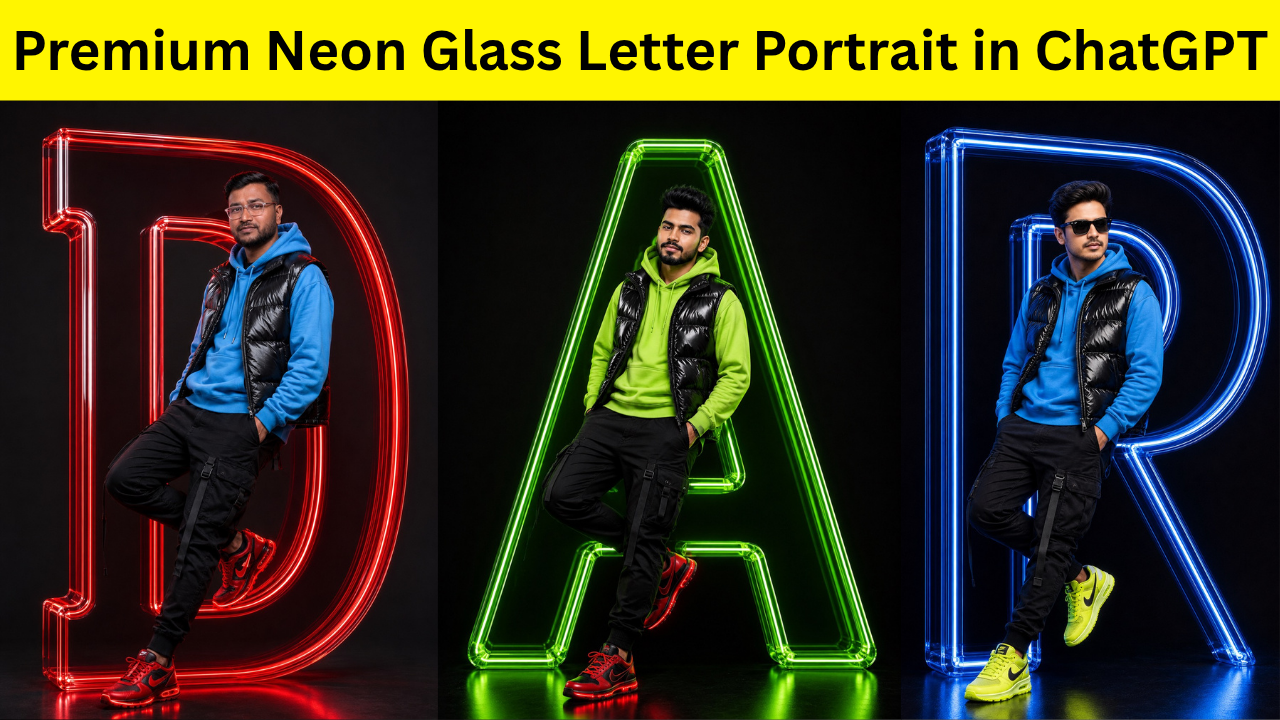
If you’ve spent any time on Instagram lately, you’ve probably noticed a growing trend of ultra-clean AI portraits featuring glowing 3D letters, cinematic lighting, and bold fashion styling. These images instantly grab attention because they combine minimalism with high-end visual effects. The result feels like something straight out of a premium advertising campaign rather than a typical AI-generated image.
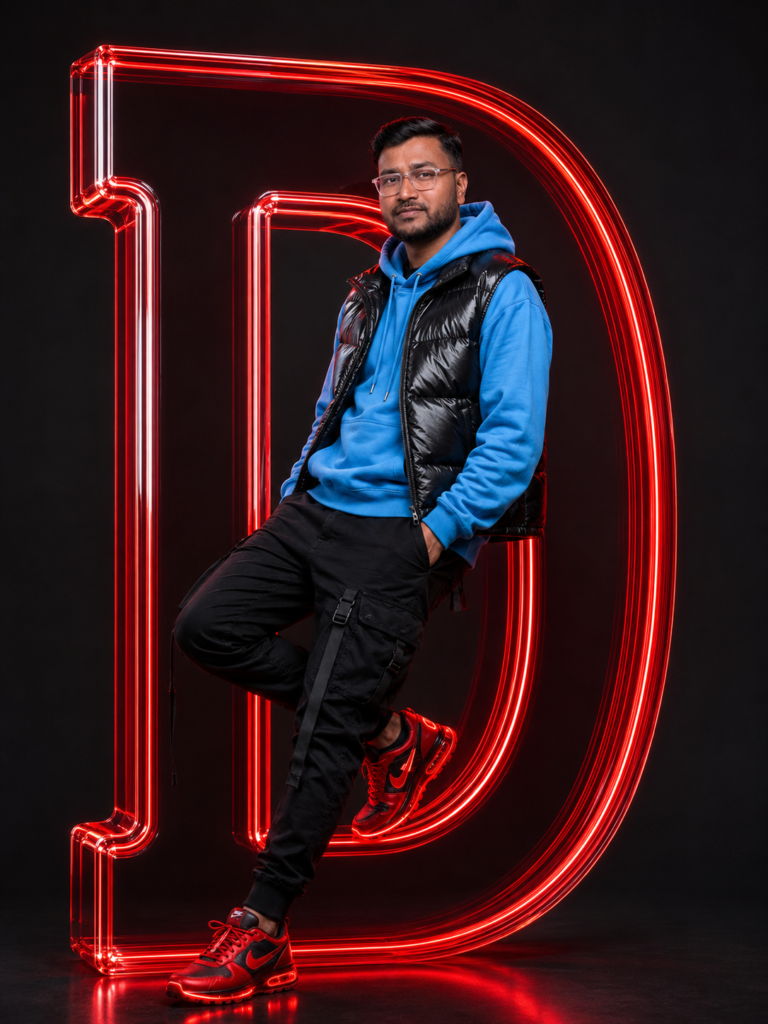
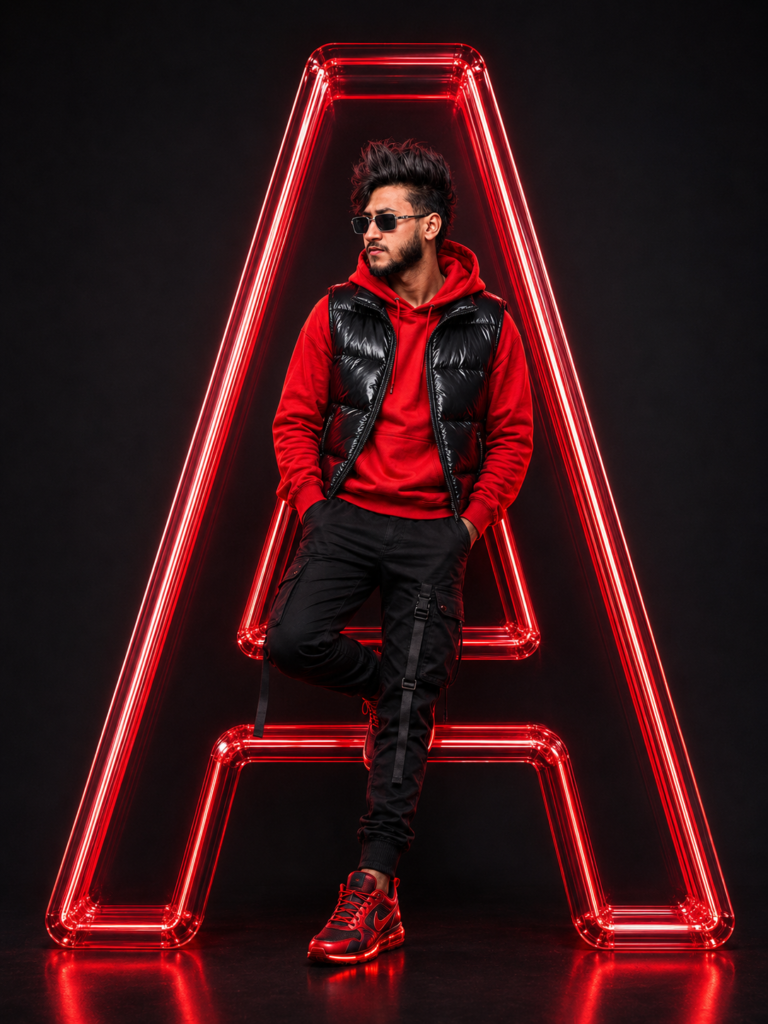
The portrait shown above is a perfect example of this style. A confident model stands naturally in front of a massive translucent neon-green glass letter “A,” dressed in modern streetwear against a seamless black background. Every detail—from the reflections on the glass to the glossy puffer jacket and dramatic studio lighting—works together to create an eye-catching composition.
The good news is that you don’t need professional 3D software or advanced editing skills to create a similar image. With ChatGPT’s image generation capabilities and a well-written prompt, you can produce highly realistic portraits in just a few minutes.
In this guide, you’ll learn exactly how to recreate this look, what makes the prompt effective, and how to customize it for your own creative projects.
Why This Style Looks So Premium
Most AI portraits fail because the prompts are too simple. A prompt like “man standing with letter A” leaves too much room for interpretation.
Professional-looking AI images come from specific instructions. Every visual element should be described clearly, including:
- Subject pose
- Clothing
- Lighting
- Camera angle
- Background
- Material textures
- Color palette
- Composition
- Rendering quality
The more accurately you describe the scene, the closer the AI gets to your intended result.
Breaking Down the Image
Let’s understand what makes this portrait work.
Subject
The model stands confidently with one leg crossed, leaning casually against the giant letter. The relaxed posture makes the portrait feel natural rather than stiff.
Clothing
The outfit follows a modern techwear-inspired style:
- Lime-green oversized hoodie
- Glossy black puffer vest
- Black cargo joggers
- Neon red reflective sneakers
The color contrast between neon green and black instantly draws attention.
Main Prop
The giant transparent glass letter is the centerpiece of the composition.
Instead of looking like plastic, it appears:
- thick
- translucent
- reflective
- illuminated from within
Its glowing edges create depth while casting subtle reflections onto the floor.
Background
The completely matte black backdrop eliminates distractions and makes the glowing elements pop.
Lighting
Professional studio lighting adds realism.
The image combines:
- soft key light
- subtle rim lighting
- glass reflections
- glow spill
- controlled shadows
Together, these elements create a polished commercial look.
Camera and Composition
Professional prompts also include camera instructions.
For this style, describe:
- full-body portrait
- centered composition
- eye-level camera
- studio photography
- sharp focus
- commercial fashion campaign
- symmetrical framing
These instructions help the AI maintain proper proportions and avoid awkward compositions.
Lighting Makes the Difference
Lighting is often the biggest difference between an average AI image and a premium one.
A professional prompt should mention:
- cinematic studio lighting
- soft key light
- realistic shadows
- reflective highlights
- subtle rim light
- glowing neon reflections
- balanced exposure
- ultra-clean contrast
Good lighting instantly improves realism.
Prompt Structure
A strong AI prompt usually follows this order:
Subject → Pose → Clothing → Main Object → Background → Lighting → Camera → Quality
Keeping your prompts organized helps the AI understand the scene much more effectively.
How to Generate This Image Using ChatGPT
Follow these simple steps:
Step 1
Open ChatGPT and switch to image generation.
Step 2
Upload your reference face if you want the portrait to resemble yourself.
Step 3
Paste the complete prompt below.
Step 4
Generate the image.
Step 5
If needed, ask ChatGPT to make small adjustments such as changing the letter, outfit, colors, pose, or lighting while keeping the overall composition the same.
Customization Ideas
Once you’ve mastered this prompt, you can experiment with different variations.
For example:
- Replace the letter “A” with your initials.
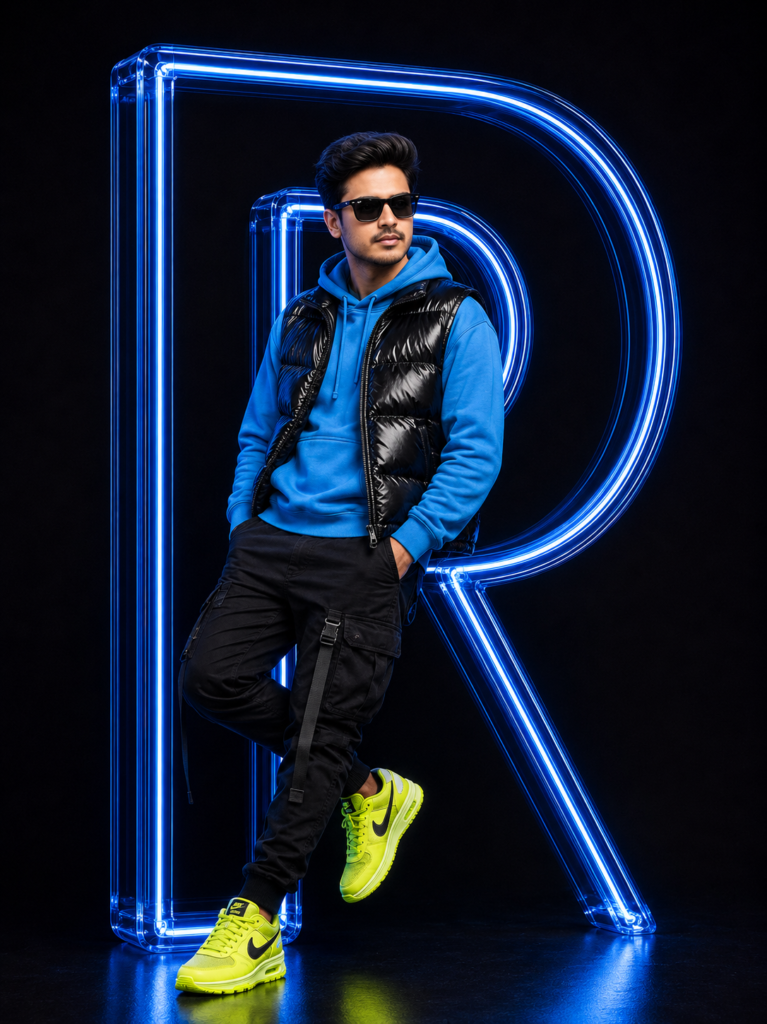
- Change neon green to electric blue, purple, red, or gold.
- Wear a formal suit instead of streetwear.
- Use sneakers, boots, or luxury shoes.
- Replace the hoodie with a leather jacket.
- Create matching portraits for an entire alphabet series.
- Use different glowing materials like crystal, chrome, or acrylic.
The same prompt structure works for almost any style.
Conclusion
The secret behind premium AI portraits isn’t hidden software or complicated editing. It’s simply writing a prompt that clearly explains every visual detail. By describing the subject, outfit, materials, lighting, composition, and overall mood, you give ChatGPT enough information to produce images that look polished, realistic, and professionally designed.
If you’re creating content for Instagram, YouTube thumbnails, personal branding, or portfolio projects, this style is an excellent choice because it instantly stands out in a crowded feed. Start with the prompt below, then personalize the colors, clothing, letters, and poses to create a unique look that matches your own identity.
Discover more from viraldost.com
Subscribe to get the latest posts sent to your email.