Why AI Profile Portraits Are Trending
Over the past year, AI-generated portraits have taken social media by storm. Content creators, freelancers, entrepreneurs, students, and professionals are using AI to upgrade their profile pictures without spending money on expensive photoshoots. The reason is simple: AI can transform an ordinary image into a high-quality portrait that looks professionally captured. A well-designed AI portrait can make you appear more confident, polished, and approachable. Whether you’re building a personal brand, growing a business, applying for jobs, or simply updating your social media accounts, a strong profile picture can help you stand out. Many people assume AI portraits look fake or overly edited. However, when the right prompt is used, the results can look surprisingly realistic and professional.What Makes a Good AI Profile Picture?
Not all AI-generated portraits are created equal. The difference between an average portrait and an impressive one often comes down to the prompt. A great profile portrait usually includes:- Natural facial expressions
- Realistic skin textures
- Professional lighting
- Sharp image quality
- Clean background
- Proper focus on the face
- Natural-looking colors
How to Create This Profile Portrait Using Your Own Photo
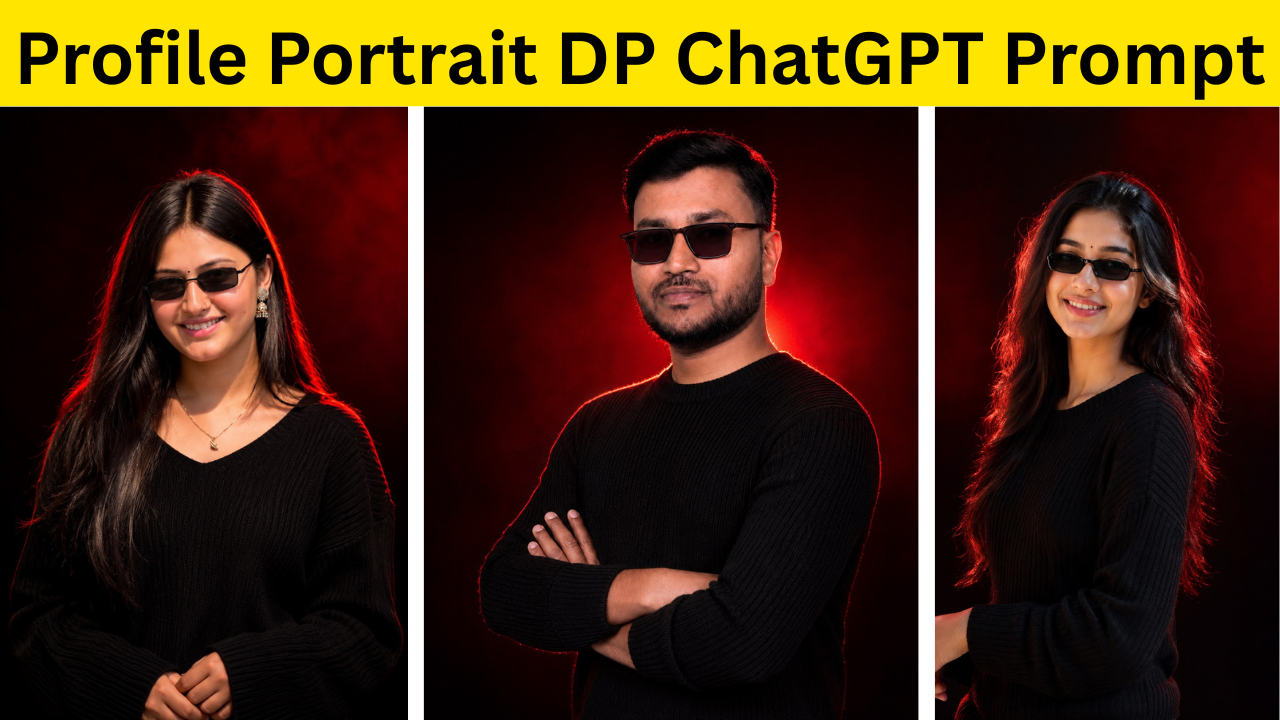
If you want a portrait similar to the example shown above, you can create one in just a few minutes.Step 1: Choose a High-Quality Photo
Start by selecting a clear photo of yourself. The better the original image, the better the final result will be. For best results:- Use a photo with good lighting.
- Make sure your face is clearly visible.
- Avoid heavy filters.
- Use a front-facing image whenever possible.
- Choose a photo with minimal blur.
Step 2: Upload Your Photo
Open ChatGPT or your preferred AI image-generation platform that supports image uploads. Upload your chosen photo and wait for the image to be processed. The AI will use your uploaded photo as a reference while applying the style described in the prompt.Step 3: Copy the Prompt
Below this article, you’ll find the exact prompt used to create the portrait. Copy the prompt and paste it into the AI tool along with your uploaded image. The prompt provides detailed instructions about lighting, camera quality, facial features, composition, and overall style.Step 4: Generate the Portrait
Once you’ve uploaded your photo and pasted the prompt, generate the image. Most AI tools will create multiple versions. Don’t settle for the first one immediately. Generate a few variations and compare them carefully. Sometimes a small variation can produce significantly better results.Step 5: Download and Use Your Favorite Version
After selecting the best portrait, download the image and use it as your profile picture. You can use it on:- X (Twitter)
- YouTube
- Telegram
- Personal websites
Why the Prompt Matters So Much
Many people think AI image generation is all about the software. In reality, the prompt plays a huge role in determining the quality of the final image. A vague prompt like: “Create a profile picture of me.” will usually generate average results. A detailed prompt, on the other hand, tells the AI exactly what to create. For example, mentioning elements such as:- DSLR photography
- Natural lighting
- Professional headshot
- Realistic skin texture
- Shallow depth of field
- Sharp facial details
Where Can You Use AI Profile Portraits?
One of the biggest advantages of AI portraits is their versatility. Professionals can use them on LinkedIn to create a stronger first impression. Freelancers can use them on platforms like Fiverr and Upwork to build trust with potential clients. Content creators can use them across YouTube, Instagram, and personal websites to strengthen their brand identity. Students can use them for online portfolios, resumes, and networking platforms. Even if you’re simply updating your social media accounts, a clean and professional portrait can make your profile look more polished and attractive.Tips for Better Results
If you want the most realistic portrait possible, keep these tips in mind: First, use a high-resolution image whenever possible. Second, avoid sunglasses, masks, or anything that covers your face. Third, generate multiple versions instead of relying on a single output. Fourth, keep the prompt detailed and specific. Finally, choose natural-looking results over heavily edited ones. Realistic portraits generally perform better and create a stronger impression.Final Thoughts
Your profile picture is often the first thing people notice about you online. Whether you’re networking professionally, building a personal brand, or simply updating your social media presence, having a high-quality portrait can make a meaningful difference. Thanks to AI, creating a professional-looking display picture has never been easier. With a clear photo, the right prompt, and a few minutes of effort, you can generate a portrait that looks polished, realistic, and visually appealing. If you’d like to recreate the portrait shown above, simply upload your photo, copy the prompt provided below, and let AI transform your image into a stunning profile picture tailored specifically to you. The best part? No expensive camera, no photography studio, and no editing skills required—just your photo and the power of AI.Conclusion
A great profile picture can have a bigger impact than most people realize. Whether you’re trying to build a personal brand, attract clients, grow your social media presence, or simply create a more professional online image, the right portrait can help you make a strong first impression.
The good news is that creating a high-quality profile picture no longer requires expensive equipment or a professional photoshoot. With AI image-generation tools and a well-crafted prompt, anyone can transform an ordinary photo into a stunning portrait in just a few minutes.
If you like the portrait example featured in this article, you can easily create your own version by following the steps above. Simply upload a clear photo, use the provided prompt, and let AI do the rest. You may want to generate multiple variations to find the one that best matches your personality and style.
As AI technology continues to improve, creating professional-quality images will become even easier. For now, all you need is a good photo, the right prompt, and a little creativity to create a profile picture that truly stands out.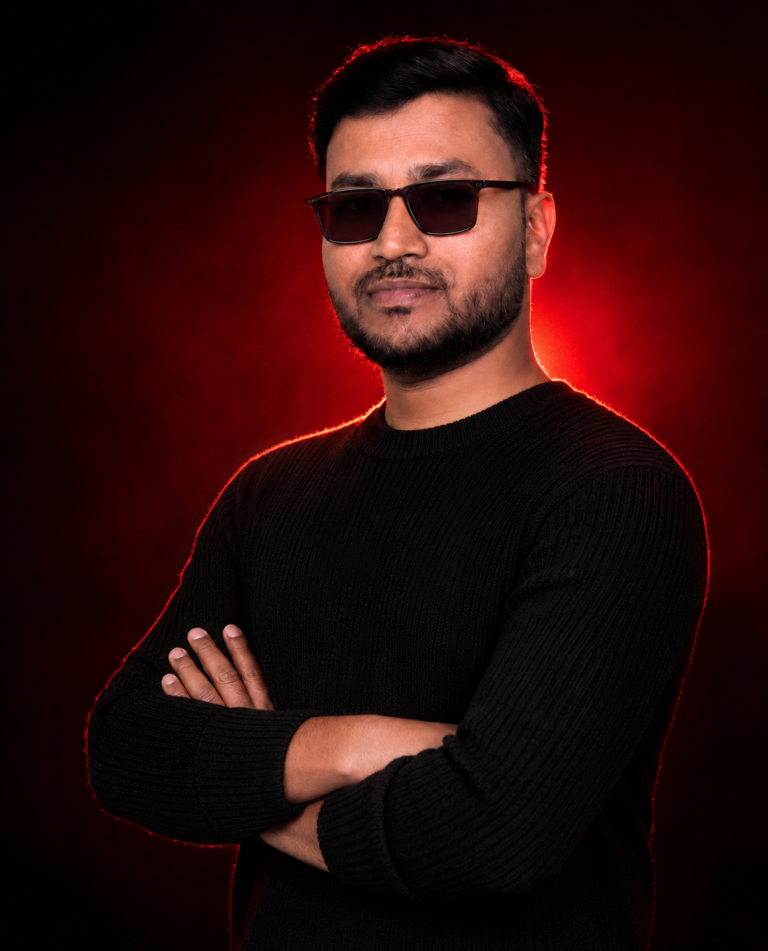
📌 AI Profile Portrait Prompt
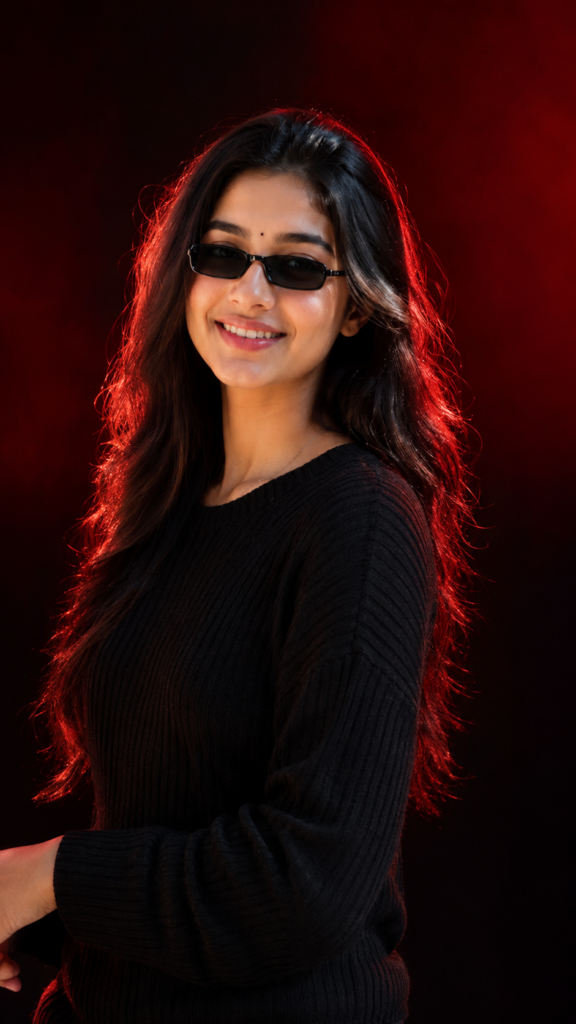
📌 AI Profile Portrait Prompt
Discover more from viraldost.com
Subscribe to get the latest posts sent to your email.