
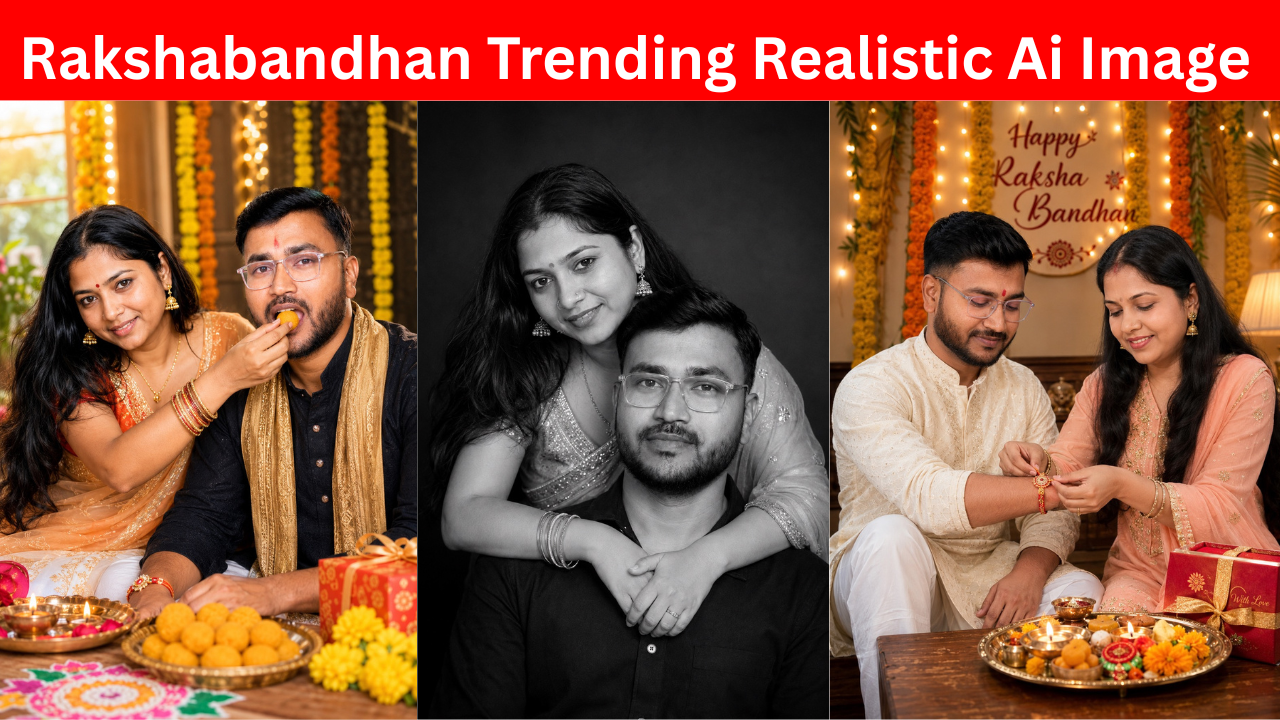
Raksha Bandhan is one of the most beautiful festivals for brothers and sisters. It is a day when siblings come together, spend time with each other, tie Rakhi, share sweets, exchange gifts, and remember all the special moments they have shared over the years.
But sometimes, because of work, studies, travel, or other reasons, brothers and sisters are not able to celebrate Raksha Bandhan together. This is where AI photo generation can make things a little more interesting.
These days, realistic AI photos are trending on Instagram, Facebook, and other social media platforms. You can create beautiful festival-themed photos with the help of AI, and ChatGPT makes the process very simple.
You do not need professional photography equipment, an expensive camera, or a studio. You only need a good photo of yourself and your brother or sister, along with ChatGPT.
In this article, I will explain how you can create a realistic Raksha Bandhan photo using ChatGPT.
Why AI Raksha Bandhan Photos Are Trending
AI-generated photos have become very popular because they can turn a simple normal photo into something that looks like a professionally clicked photograph.
For example, you may have an old family photo, a simple selfie, or a normal picture taken at home. With the right instructions, AI can create a completely new festive scene around the people in the photo.
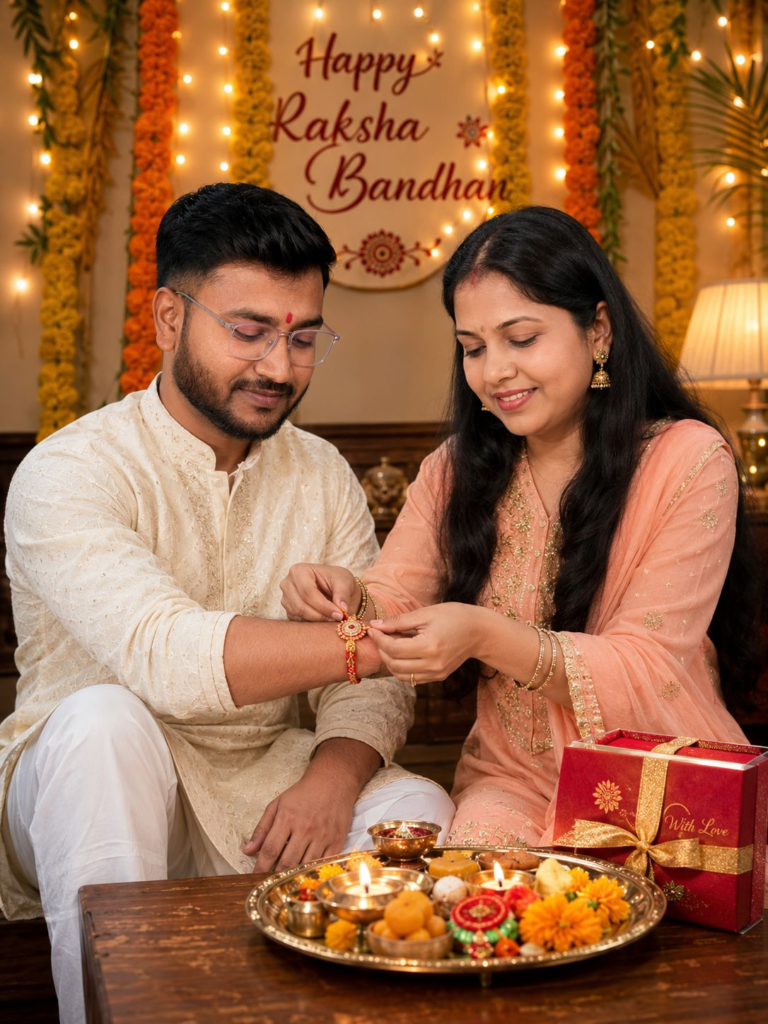
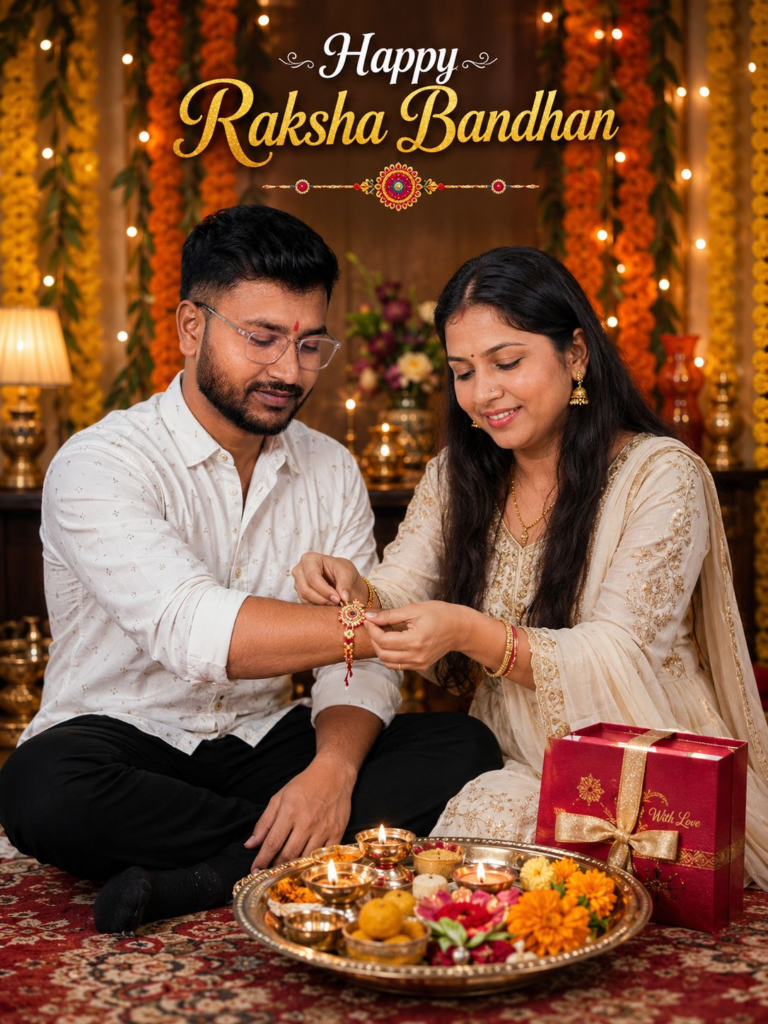
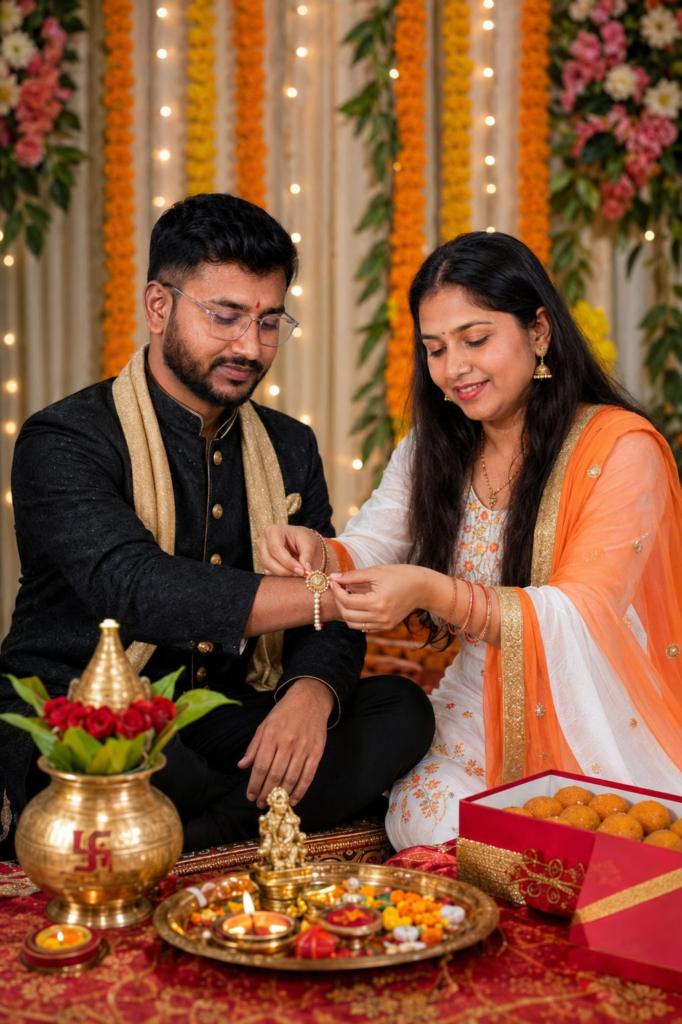
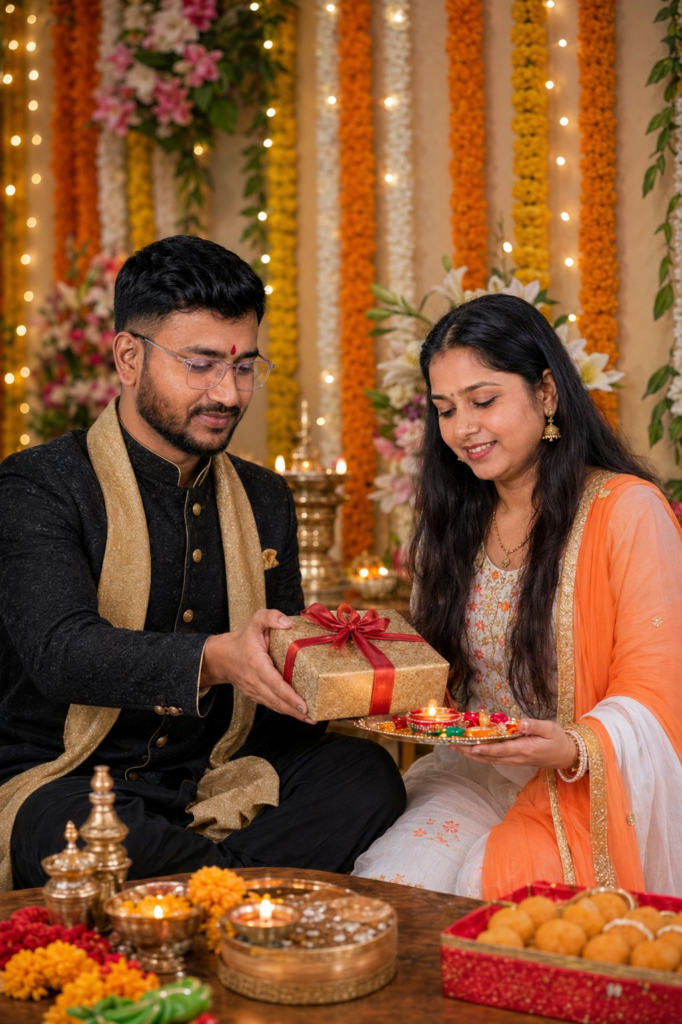
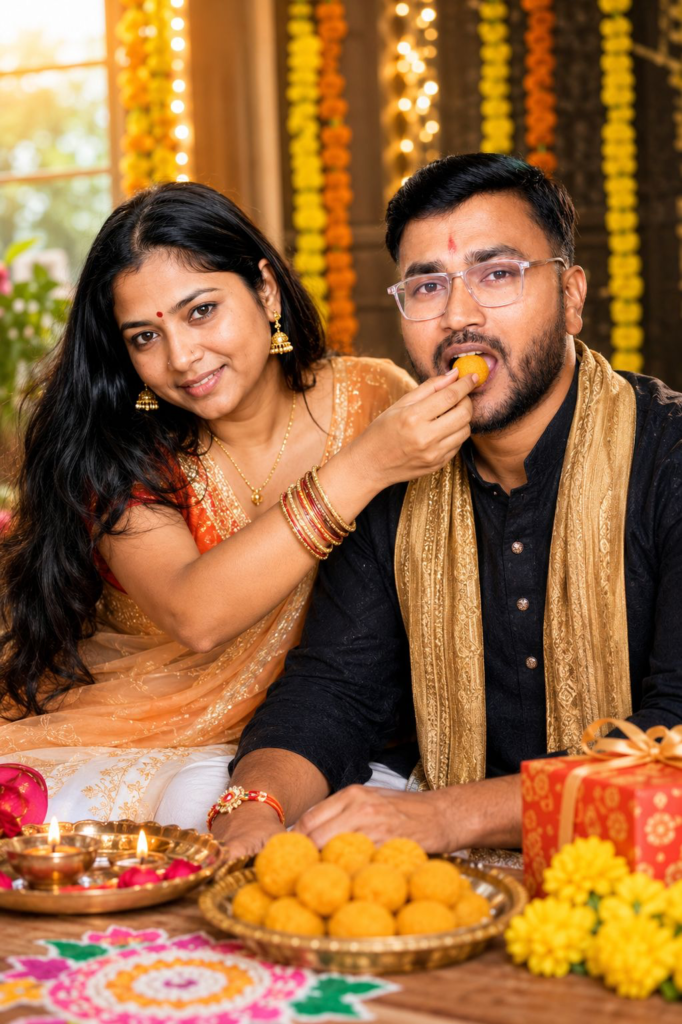
For Raksha Bandhan, you can create scenes where a sister is tying Rakhi to her brother, siblings are sitting together and sharing sweets, a brother is giving a gift to his sister, or the entire family is celebrating the festival together.
The best part is that you can give the image a proper festive look with traditional clothes, flowers, diyas, sweets, decorations, warm lights, and other elements.
This makes the final image look much more special and perfect for sharing on social media.
What You Need Before Starting
Before creating your AI Raksha Bandhan photo, you should keep a few things ready.
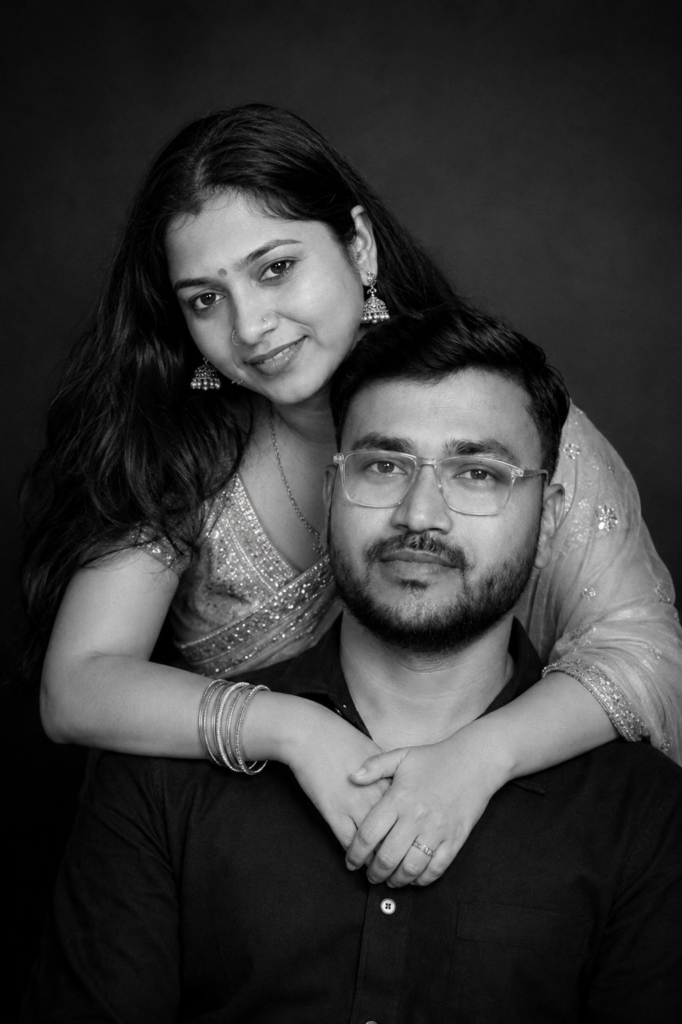
First, choose clear photos of yourself and your brother or sister. Try to use photos where the face is clearly visible. A good-quality image will generally help the AI understand the person’s appearance better.
You can use a recent photo or even an older family photo. However, if you want a more realistic result, clear front-facing photos usually work better.
You will also need access to ChatGPT’s image generation feature.
Once everything is ready, you can start creating your festive photo.
Step 1: Open ChatGPT
Open ChatGPT on your phone or computer.
If you are using the app, start a new chat and look for the image generation option. Depending on your ChatGPT version and plan, the exact options may look slightly different.
The process is still very simple.
You do not need to know graphic designing or photo editing for this.
Step 2: Upload Your Brother and Sister Photos
Now upload the photos that you want to use as references.
If you are creating a photo of a brother and sister, upload a clear photo of the brother and another clear photo of the sister.
Try to avoid very blurry photos or pictures where the face is hidden behind sunglasses, hair, filters, or other objects.
The more clearly the faces are visible, the better the AI can understand the reference images.
You can also upload different photos if you want to use a particular hairstyle, outfit, or appearance from another picture.
Step 3: Use the Raksha Bandhan Instructions Given Below
After uploading the photos, copy the Raksha Bandhan instructions provided below this article and paste them into ChatGPT.
You do not have to write everything yourself.
The instructions are designed to tell ChatGPT what kind of Raksha Bandhan scene you want, how the brother and sister should look, what they should be doing, what type of clothes they should wear, and what kind of festive background should be created.
Make sure you upload the photos before sending the instructions.
This is important because ChatGPT needs the reference images to understand the people you want to include in the final image.
Step 4: Let ChatGPT Create the Image
After uploading the photos and adding the instructions, send the request.
ChatGPT will process the reference images and create a new Raksha Bandhan scene.
Depending on the request, the final image can include traditional Indian outfits, Rakhi, sweets, flowers, diyas, festive lights, gift boxes, rangoli, and other beautiful decorations.
The result can look much more polished than a normal phone photo.
You can also try generating the image again if the first result is not exactly what you wanted.
Step 5: Ask for Changes if Needed
One of the biggest advantages of using ChatGPT is that you can continue the conversation after getting the first image.
For example, if you like the image but want a different outfit, you can ask ChatGPT to change the outfit.
If you want more flowers in the background, you can ask for that too.
You can also request a different pose, lighting style, background, camera look, or festive decoration.
For example, you can create a scene where the sister is tying Rakhi, feeding a sweet to her brother, giving him a gift, or both siblings are simply sitting together and smiling at the camera.
This allows you to experiment with different ideas without needing to take multiple photographs.
Make Your AI Photo Look More Realistic
If you want a realistic result, there are a few simple things you should remember.
Always use clear reference photos.
Avoid using heavily filtered selfies because filters can change facial features and skin details.
Try to keep the instructions clear and specific. Tell the AI about the scene, clothing, lighting, pose, and overall mood you want.
You can also ask for natural skin texture and realistic expressions instead of an overly edited or artificial look.
A natural expression usually makes an AI-generated family photo feel much more believable.
Lighting is also very important. Warm golden lighting, soft shadows, and a slightly blurred background can give the image a professional photography look.
Add a Personal Touch to Your Raksha Bandhan Photo
Raksha Bandhan is not only about Rakhi. It is about the relationship between a brother and sister.
Every brother and sister has their own memories. From childhood fights to sharing food, from teasing each other to helping each other during difficult times, these small moments make the relationship special.
That is why you can make your AI photo more personal.
You can choose a traditional outfit that your family normally wears. You can add a familiar type of home decoration or create a scene inspired by your childhood memories.
You can also create different photos for different moments of the celebration.
For example, one photo can show the Rakhi ceremony, another can show the brother giving a gift, and another can show both siblings enjoying sweets together.
These images can also be used to create a Raksha Bandhan Instagram post, Reel cover, WhatsApp status, Facebook post, or even a family greeting card.
Why You Should Try This Raksha Bandhan
Not everyone gets the chance to arrange a professional photoshoot during festivals.
Sometimes everyone is busy, sometimes the family is travelling, and sometimes you simply realise later that you did not take enough good photos together.
AI can give you another creative way to celebrate those memories.
Of course, an AI-generated photo cannot replace a real family moment. But it can be a fun way to create something memorable and share your feelings with your loved ones.
You can also use it as a creative experiment to understand how AI image generation works.
Final Words
Creating a trending AI Raksha Bandhan photo with ChatGPT is much easier than it may look.
Just choose clear photos of the brother and sister, upload them to ChatGPT, copy the instructions given below, and send them along with your images. ChatGPT can then create a beautiful festive scene based on your request.
You can experiment with different poses, outfits, backgrounds, decorations, and celebration moments until you get the result you like.
This Raksha Bandhan, instead of only posting a normal photo, you can try creating something unique and creative with AI.
And remember, the most important part is not how perfect the AI photo looks. The real beauty of Raksha Bandhan is the bond between a brother and sister—the childhood memories, endless teasing, small fights, care, support, and the love that stays strong even when life takes both of you in different directions.
So, upload your photos, try the steps above, and create your own realistic Raksha Bandhan AI photo with ChatGPT. The ready-to-use instructions and reference image are provided below so you can easily try it yourself.
Discover more from viraldost.com
Subscribe to get the latest posts sent to your email.