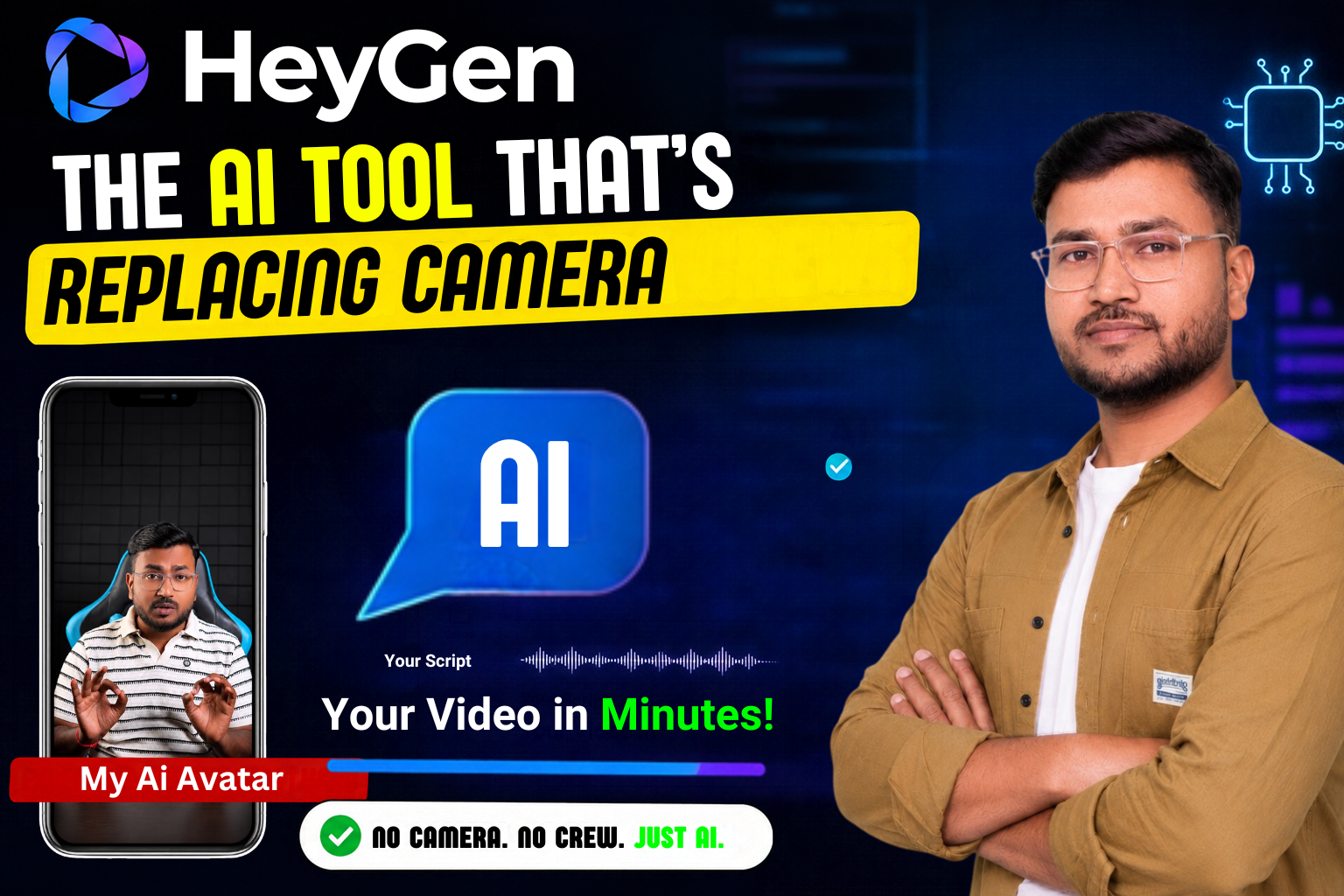
If you wanted a professional-looking talking-head video, you needed a camera, a decent mic, some lighting, and honestly, a bit of courage to sit in front of a lens and talk without stumbling over your words. I know that feeling well — the retakes, the “let me start over” moments, the awkwardness of watching yourself back. Today, a growing number of creators, marketers, and even small business owners are skipping all of that and typing their script into a browser tab instead. The tool behind a lot of this shift is HeyGen, and once you understand what it actually does, it’s easy to see why it’s become such a big deal.
So What Exactly Is HeyGen?
At its core, HeyGen is an AI video generation platform. You give it a script, pick a face (or use your own), pick a voice, and it hands you back a video where that “person” is speaking your words — complete with lip movement, facial expressions, and natural head gestures that sync up with the audio. What used to take a film crew, editing software, and days of work now takes minutes.
It started out fairly simple, mostly used by marketers who wanted quick explainer videos without hiring actors. But the platform has grown into something much bigger — it’s now used for training videos inside companies, multilingual marketing campaigns, YouTube content, course creation, and even live interactive avatars that can hold real-time conversations.
Important Details: Creating Your Own Avatar
This is usually the first question people ask — “Can I actually put my own face on this?” And yes, you can, in more than one way.
The simplest option is the Talking Photo feature. You upload a single still photo — could be a selfie, a professional headshot, whatever — and HeyGen animates it. The mouth moves, the eyes blink, the head tilts slightly while it talks. No video footage needed at all. It’s the fastest way to get something personalized without much effort.
The more powerful option is building an Instant Avatar, sometimes called a Digital Twin. For this, you record about two minutes of yourself on your webcam or phone — just talking naturally, moving a bit, showing different expressions. HeyGen uses that short clip to build a full digital version of you. Once it’s created, this twin can say literally anything. You type a script, and your digital self delivers it, with your own facial expressions and mannerisms carrying through. It genuinely feels less like watching an animation and more like watching a video of yourself that you never actually recorded.
For businesses or teams that need something more polished — say, a spokesperson avatar that a whole company can reuse — there’s also the option to work with HeyGen’s team to build a fully custom, studio-quality avatar. That one takes more setup, but the result is close to indistinguishable from real footage.
Once your avatar is ready, using it is refreshingly simple. You open the editor, drop your avatar onto a scene, paste or type your script, choose a voice (or clone your own so it actually sounds like you), and hit generate. HeyGen handles the lip-syncing, the timing, the pacing — all of it — in the background. A few minutes later, you’ve got a finished video sitting in your downloads folder.
Key Features
- Talking Photo – animate a single still image with natural head movement, blinking, and lip-sync
- Instant Avatar / Digital Twin – build a full reusable digital version of yourself from a two-minute clip
- Voice cloning – recreate your own tone, pacing, and inflections instead of a robotic AI voice
- Multilingual dubbing – translate a video into another language with matching lip movement, across well over a hundred languages
- Full editing toolkit – script assistant, scene templates, screen recording, captions, and multi-speaker dialogue videos
Other Important Information
Voice Cloning: Sound Like Yourself, Not a Robot
One thing that trips people up with older AI video tools is the voice — it often sounds flat or robotic, and that’s usually what gives the whole video away as artificial. HeyGen tackles this with a voice cloning feature. You upload a short recording of your actual voice, and the system builds an AI version of it that carries your tone, pacing, and natural inflections. Pair that with your avatar, and the final video sounds like you actually sat down and recorded it — because emotionally, it kind of feels like you did.
Multilingual Dubbing — Where HeyGen Really Shines
If there’s one feature that consistently gets praised, it’s the translation and dubbing system. HeyGen can take a video you’ve already made and convert it into another language — not just the audio, but the lip movements too, so the avatar’s mouth actually matches the new language being spoken.
Think about what that means practically. Record one training video in English, and within a few minutes have versions ready for a Hindi-speaking team, a Spanish-speaking team, and a French-speaking one — all without re-recording anything, and without the avatar’s mouth looking obviously mismatched to the words. For businesses trying to reach different regions without duplicating effort, this alone can save enormous amounts of time and money.
Beyond Just Avatars: The Full Toolkit
HeyGen isn’t just a face-and-voice generator anymore — it’s grown into something closer to a complete video studio. There’s an AI writing assistant if you’re stuck on what to say, hundreds of pre-built scene templates so you’re not staring at a blank canvas, and screen-recording plus canvas editing so you can layer your avatar over a screen recording, add captions automatically, and mix in multiple speakers for dialogue-style videos — all without separate editing software. For more advanced use, there’s even an API for building live, interactive streaming avatars that can hold real-time conversations, useful for virtual assistants or customer support.
Where It Actually Gets Used
The use cases have spread far beyond marketing. Companies use it for onboarding and training videos so they don’t have to reshoot every time information changes. Course creators use it to produce lessons without sitting in front of a camera every single time. Social media creators use it to pump out consistent content without burning out from constant filming. And small business owners — the kind who don’t have a marketing team or a videographer on call — use it to produce promotional content that actually looks professional.
Conclusion
Honestly, the appeal is less about the technology being flashy and more about what it removes from the process — the camera setup, the retakes, the editing headaches, the need to physically be present every time you want a new video. If you can write a script, you can now make a video. That’s a pretty significant shift from where things stood even two or three years ago.
Whether you’re testing the free version to see how a Talking Photo turns out, or going all-in on building your own Digital Twin for regular content, HeyGen makes something that used to require a whole production setup possible from a single browser tab. For me, that trade-off was an easy one to make.
FAQs
Q1. Do I need any video or filming experience to use HeyGen? No. You can create a talking-head video from a single still photo using the Talking Photo feature, with no camera or filming setup required. If you want a fully reusable digital version of yourself, you’ll need about two minutes of webcam or phone footage, but even that is a one-time step.
Q2. Will my HeyGen avatar sound like an obvious AI voice? Not if you use voice cloning. Instead of relying on a generic AI voice, you can upload a short recording of your own voice, and HeyGen builds an AI version that keeps your natural tone and pacing, so the final video sounds much closer to you actually speaking.
Q3. Can HeyGen videos be used for languages other than English? Yes, and this is one of its strongest features. HeyGen can dub an existing video into another language while also adjusting the avatar’s lip movements to match, supporting well over a hundred languages — useful for reaching multilingual audiences without re-recording anything.
Discover more from viraldost.com
Subscribe to get the latest posts sent to your email.